記憶にかかわる機能性表示食品の現状と成分の特徴

機能性表示食品には記憶にかかわる製品がたくさんあります。自分や家族の記憶について気になってきたときには機能性表示食品で対処できたら嬉しいと思うのではないでしょうか。この記事では記憶と深いかかわりがある機能性表示をしている食品について解説します。
現状のトレンドと使用されている成分の特徴を押さえておきましょう。
(機能性表示食品の原材料について知っておきたい5つのポイント)
記憶や脳機能にかかわる機能性表示食品の開発はトレンド
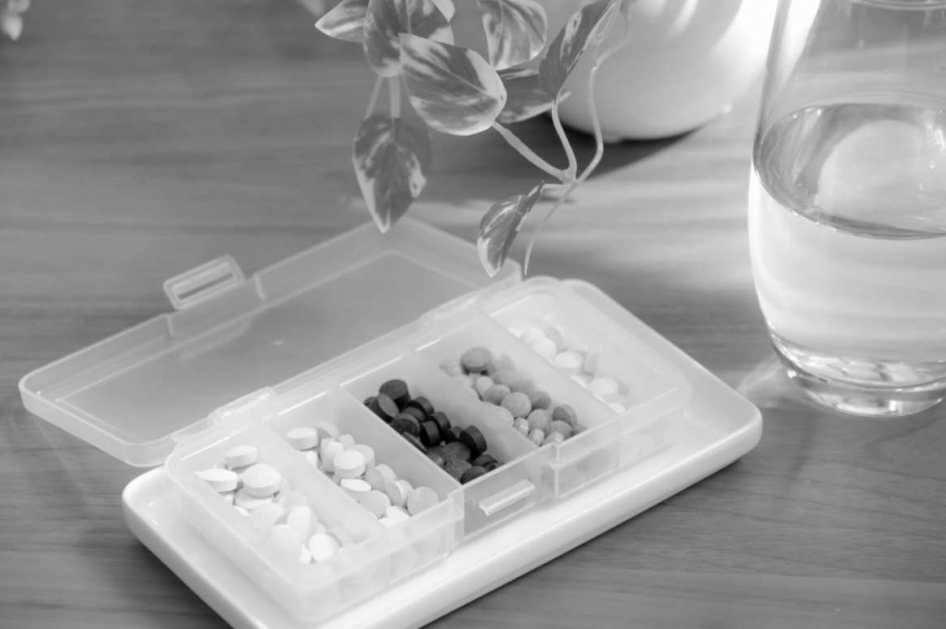
機能性表示食品の開発では記憶あるいは脳機能にかかわる製品が活発に開発されています。機能性関与成分として認知度が高まった成分が増えてきたのも理由ですが、さらに自社で成分探索をして新しい機能性関与成分を見出しているケースも増えているのが現状です。
記憶力を向上させたい、忘れていってしまう自分に堪えられないという人が多いことに加え、高齢化に伴って記憶力の低下が大きな社会課題になっています。個人の希望も社会の課題も解決できる可能性があるため、各社が精力的に記憶や脳機能にかかわる機能性表示食品の開発を進めています。
機能性表示食品制度が導入されたことで科学的根拠を示せれば「記憶に良い」といった記載もできるようになりました。企業としては開発した食品の魅力を消費者に正しく伝えられるのは売上に直結する重要なポイントです。
マーケティングの自由度も高くなるため、記憶をテーマとする機能性表示食品の開発が活発におこなわれています。
機能性表示食品も機能性関与成分も増えている
記憶に関連する機能性表示食品は、機能性表示食品制度が導入されてから急速に増えています。当初は認められていた機能性関与成分の数はわずかでしたが、瞬く間に数が増えてきました。毎年のように新しい機能性関与成分が見出されて新製品として市場に登場しています。
同じ成分を使用している機能性表示食品もあるので、消費者がどれを選んだら良いのか迷ってしまうほどのラインナップになっているのが現状です。裏を返せば、自分の記憶に良い影響をもたらす機能性表示食品を手に入れられる可能性が飛躍的に高くなっています。
記憶に悩みがある人にとっては、悩みを解決できるチャンスが大きくなったと言えるでしょう。
記憶にかかわる機能性表示食品の種類
機能性関与成分が増えたことによって、機能性表示食品も大まかに分類できるようになりました。記憶にかかわる機能性表示食品を摂取する目的は、記憶力の向上や記憶力の低下の防止が主なものです。機能性の評価にもこの二つのどちらか、あるいは両方が取り入れられています。
記憶関連の機能性表示食品は大きく4種類に分けることが可能です。1つ目は脳に必要な成分の補給です。脳や神経などの記憶にかかわる細胞ではDHAやEPAなどの特徴的なリン脂質が必須になっています。不足してしまうと脳細胞を増やせず、細胞が死んでしまったときにも補充ができません。
不足しやすい成分を機能性関与成分として取り入れているケースは初期からよく見受けられます。2つ目は脳神経の保護にかかわる成分の摂取です。記憶には脳神経の活動が深くかかわっています。脳神経がダメージを受けてしまい、脳での情報伝達がうまくできなくなったために記憶力が悪くなるという考え方は学術界でも通説になっています。
イチョウ葉由来フラボノイド配糖体などが脳神経を保護して活動を維持向上できる成分として典型的です。昔から脳神経保護作用があると言われていた成分の臨床試験が進み、機能性表示食品に活用されています。3つ目は脳の活動に必要な成分の補給です。
機能性表示食品ではGABAが代表例で、脳機能を調節するのに重要な役割を果たしている神経伝達物質として知られています。ストレスを受けているとGABAが不足してしまう傾向があり、正常な脳の活動を妨げる原因になっているという考え方は昔からありました。
臨床試験によって改善の様子が見られたため、GABAを代表とするいくつかの成分が機能性表示食品に用いられています。4つ目は抗酸化作用による保護をする成分です。脳の保護にもつながる成分で、活性酸素による攻撃を受けて脳細胞が壊れたり、脳にエネルギーや栄養を供給している血管の流れが悪くなったりすることがあります。
脳の健康状態を保つことで記憶力の維持向上を目指すという考え方で、活性酸素の除去に関与する抗酸化物質が機能性関与成分として見出されてきました。ルテインやゼアキサンチンのように脳だけでなく目の健康にも良いという形で機能性表示食品に使用されている成分もあります。
抗酸化物質による機能性表示食品の開発は初期から精力的におこなわれていて、販売されている数も多いのが特徴です。
機能性表示食品は相乗効果を期待できるか
記憶にかかわる機能性表示食品に4種類もあることがわかると、複数の機能性表示食品を摂取したら相乗効果があるのではないかと思った人もいるのではないでしょうか。確かに記憶に作用するメカニズムが違えば相乗効果がある可能性があります。
脳の保護をしながら、脳に必要な成分を補給すれば記憶の改善を期待できるでしょう。ただ、機能性表示食品は単独で摂取したときの効果についてのデータはありますが、他の成分と併用したときのデータはない場合がほとんどです。
相乗効果がある可能性もあるものの、科学的根拠はないので一概には言えません。
相乗効果を狙うときの注意点
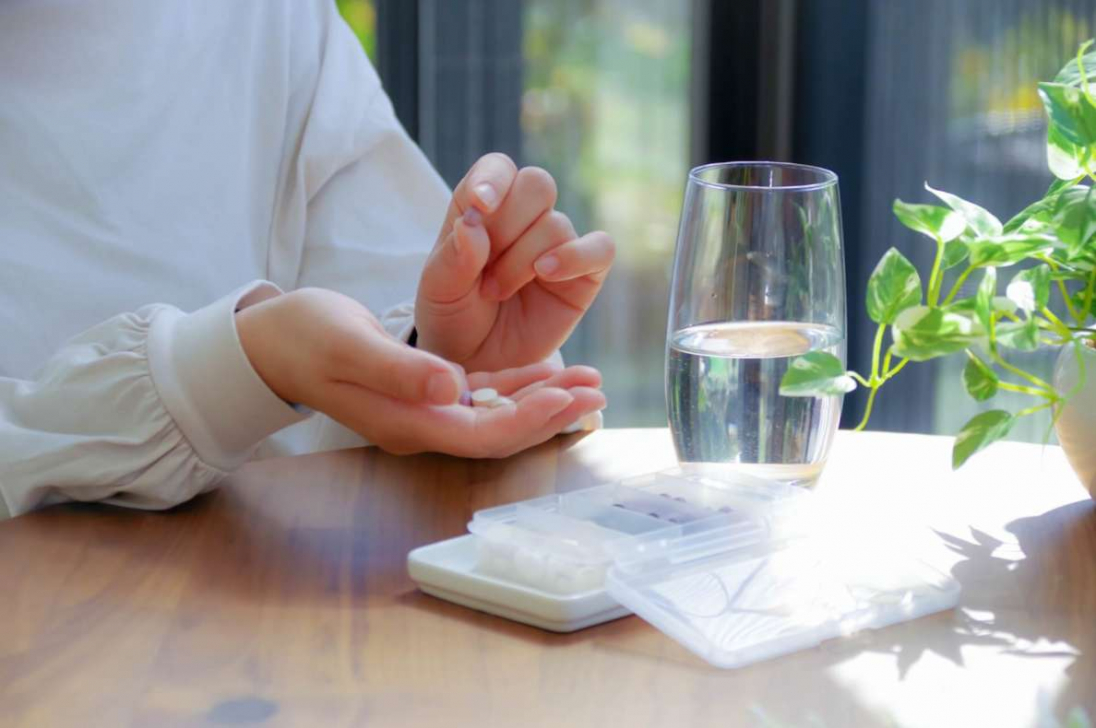
科学的根拠はなかったとしても、複数の機能性表示食品を摂取すれば相乗効果がありそうだから積極的に摂取したいと思う人もいるでしょう。相乗効果を狙って記憶にかかわる機能性表示食品を摂取するときには注意点があります。
基本的には同じ成分を含んでいる機能性表示食品は避けた方が良いということです。機能性表示食品は機能性関与成分を多く含有するようにして、消費者が効果を実感できるようにするのを重視しています。複数の機能性表示食品で同じ機能性関与成分を摂取しても無駄になる可能性があります。
成分によっては健康被害が出るリスクもゼロではないので、相乗効果を狙うならまったく違う種類の成分を摂取するのが大切です。
記憶にかかわる機能性表示食品は慎重に使おう
記憶の維持向上につながる機能性表示食品は社会的な要求が大きいため、精力的な開発が進められています。記憶力を上げたい、低下させたくないと思うと相乗効果を狙ってたくさん摂取すれば良いと思いがちです。しかし、同じ機能性関与成分を使用している場合には過剰摂取のリスクもあります。
記憶にかかわる機能性表示食品は増えているので、摂取の際には成分を確認して慎重に使いましょう。